Firefighting Sim Beginner Guide
Start Roblox Firefighting Sim with the described call, vehicle, fire attack and rescue loop, then check equipment and progression in the current game.
What do you do in Firefighting Sim?
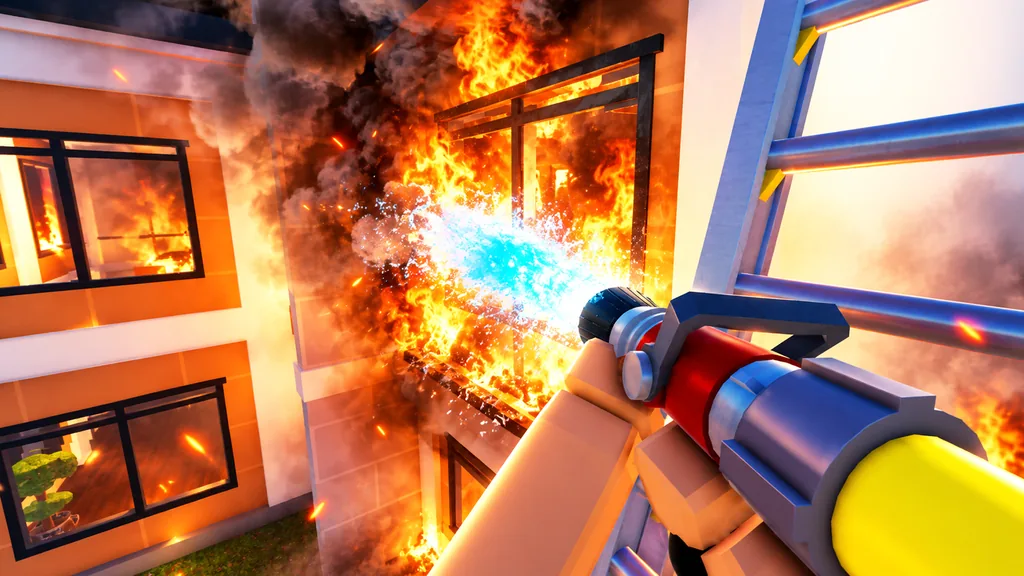
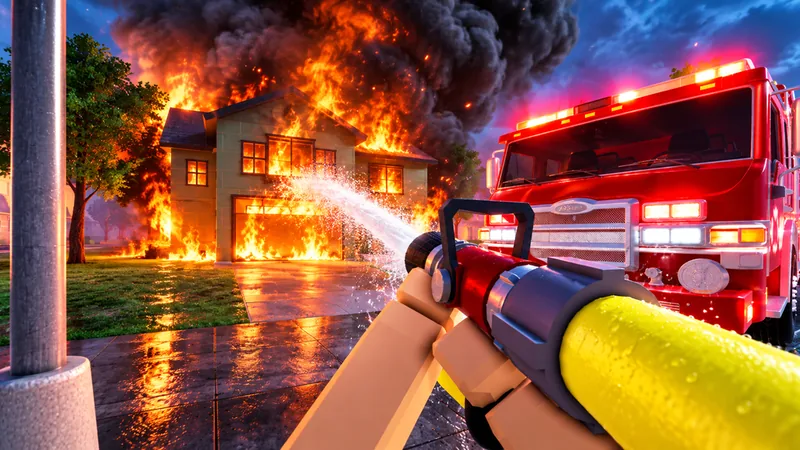
In Firefighting Sim, your crew answers emergency calls, travels through Oak Ridge, fights spreading fires in first person and searches for people inside. The officially described loop connects vehicle choice, equipment, fire attack, rescue and call grading.
For a first session, read the active call, inspect an available vehicle, follow the game's directions to the scene and read the displayed equipment prompts. Work through the visible fire and rescue objectives, then check the call result. This is a practical reading checklist based on the description, not a tested click-by-click controls tutorial.
Do not choose a vehicle solely because its real-world name sounds right for the incident. Vehicle equipment, access requirements and call objectives must be checked in the current game. The vehicle directory confirms categories; the finder confirms call names.
The official description includes hose lines, ladders, axes, chainsaws, masking in smoke and K9-assisted search. It does not supply complete key bindings or availability rules. The equipment overview explains what is supported before you rely on a specific interaction.
A useful first milestone is to understand one completed call. The official First Alarm badge concerns finishing your first call; Lifesaver concerns carrying a victim out alive. Neither badge defines an XP formula or guarantees a rank unlock.
Sources and references
- Firefighting Sim — official Roblox description
Blackbox Express's description supports the advertised vehicle categories, named emergencies, hose/ladder/forced-entry/mask/K9 features and Recruit-to-Fire Chief progression. It does not establish exact controls, prices, model stats, complete ranks, XP or rewards. These are officially described features, not independent in-game measurements.
Accessed - Roblox — this experience's official badge records
The inspected API returns seven enabled badges tied to this experience and their published conditions. Counts below refer to calls, living rescued victims or consecutive login days as described on October 6, 2026. They are not rank XP, vehicle unlocks or measured award probabilities; day-boundary and reset details remain unknown.
Accessed
Official game
Check changing availability and interaction prompts in the current experience.
Choose your next step
Open a focused task guide or check a connected topic.
Your first emergency call
Connect the current call with its vehicle, equipment and completion checks.
Focused guides
Task guides with tables, evidence notes and related next steps.
Connected questions
Beginner questions
Is this about the Roblox game?
Yes. This guide covers Blackbox Express's Firefighting Sim on Roblox, place 102476635575386, not a similarly named PC or console title.
Should I memorise a keyboard controls list here?
No verified complete controls list is available in this release. Use the current game's prompts on your platform; the wiki does not guess keys.
What should I check after a call?
Read the game's completion and grading feedback, then check any published badge condition separately from rank requirements. Exact grade rewards and rank XP are not established here.